You don’t need a component for that
React edition
March 27, 2026
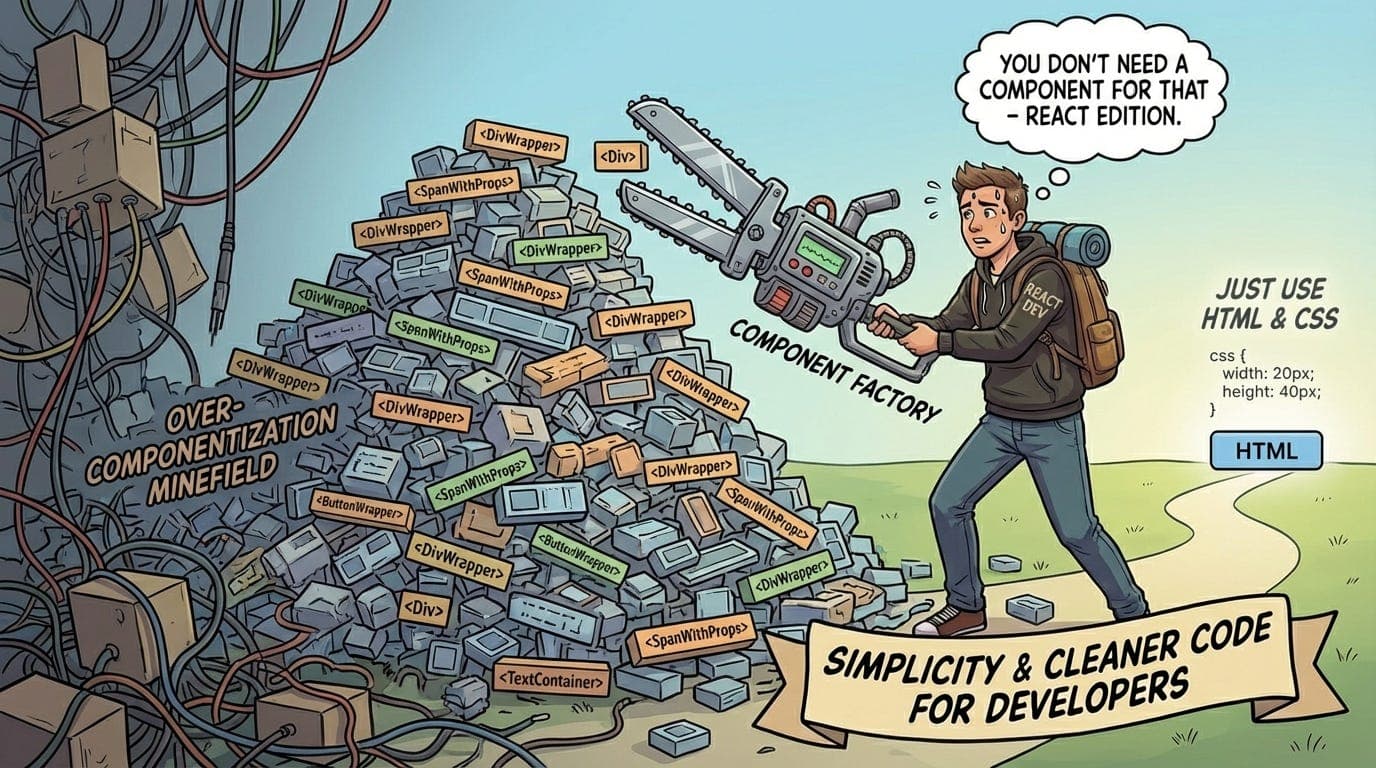
Somewhere along the way, React developers stopped writing HTML.
Not literally — the JSX is still there, the tags are still there. But the instinct to reach for a plain <div> or a <button> or a <p> without wrapping it in something, naming it something, and putting it in its own file — that instinct has been almost completely trained out of the average React developer.
Everything is a component now. The button is a component. The label is a component. The little gray divider line between two sections is a component. The wrapper div that just adds some padding? Definitely a component. Someone named it <ContentContainer> and now it lives in /components/layout/ContentContainer.tsx and has its own props interface and its own story in Storybook and its own three usages across the entire codebase.
This is not good engineering. This is component hoarding. And it’s making React codebases quietly worse.
How we got here
React taught us that components are the unit of composition. That’s true. Components gave us reusability, encapsulation, and a way to reason about UI in isolation. The model works.
But somewhere between “components are useful” and “everything should be a component,” the industry lost the plot. A few things drove this:
-
Design system culture. The rise of component libraries and design systems trained developers to think of every UI element as a building block. Buttons, inputs, cards, badges — all components, all abstracted, all theoretically consistent. Good for a design system. Bad when applied indiscriminately to every line of JSX in a product codebase.
-
The “reusability” reflex. React tutorials pushed reusability so hard that developers started abstracting things before they’d been used twice. Premature abstraction, dressed up as good practice.
-
File-based thinking. When your mental model is “one component = one file,” every new piece of UI feels like it needs its own file. And once it has a file, it feels like it deserves a name. And once it has a name, it starts accumulating props. You know how this ends.
The result is codebases where finding where a piece of text is rendered means following a five-file import chain that ends at <Typography variant="body2">.
What over-componentization actually costs you
Before the code examples, let’s be honest about what this pattern actually does to a codebase.
-
It adds indirection without adding value. Every abstraction layer is a layer a reader has to mentally unwrap. When the abstraction is doing real work — encapsulating behavior, enforcing consistency, hiding complexity — that cost is worth it. When it’s a
<Spacer height={16} />that renders a div with margin-top, you’ve made the code harder to read for no reason. -
It creates fake reusability. A component that’s used once isn’t reusable, it’s just indirection. Worse, it’s indirection that now has to be maintained, documented, and considered whenever someone wants to change the thing it wraps.
-
It scatters logic that should be together. When a form is split into
<FormHeader>,<FormBody>,<FormSection>,<FormRow>, and<FormFooter>— each in its own file — the logic of that form is now physically distributed across the codebase. Reading it means jumping files. Changing it means touching multiple files. None of those components are reused anywhere. -
It makes the DOM harder to reason about. Every unnecessary component is a layer between your JSX and the HTML it renders. When something breaks in production and you’re reading the Elements panel in DevTools, you want to be able to map what you see to what you wrote. Five layers of wrapper components make that mapping almost impossible.
The cases where vanilla HTML is the right call
Case 1: One-time layout structure
This is the most common offender. A developer needs a two-column layout for a single page. They write:
// What they wrote\nconst TwoColumnLayout = ({ left, right }) => (\n <div className="two-column-layout">\n <div className="column column--left">{left}</div>\n <div className="column column--right">{right}</div>\n </div>\n);\n\n// Used exactly once, in one file, never again\n<TwoColumnLayout\n left={<ProfileInfo />}\n right={<ActivityFeed />}\n/>
This component will never be reused. The layout is specific to this page. The props are just children with labels. You’ve added a file, a name, an interface, and an import for zero benefit.
What this should be:
// Just write the HTML\n<div className="profile-page">\n <div className="profile-page__info">\n <ProfileInfo />\n </div>\n <div className="profile-page__feed">\n <ActivityFeed />\n </div>\n</div>
It’s right there, it’s readable, it maps directly to the DOM, and it didn’t cost you a file.
Case 2: The wrapper that just adds a className
// What they wrote\nconst Card = ({ children, className }) => (\n <div className={cn("rounded-xl border border-gray-200 bg-white p-6 shadow-sm", className)}>\n {children}\n </div>\n);\n\n// And then, immediately\nconst FeatureCard = ({ children }) => (\n <Card className="hover:shadow-md transition-shadow">\n {children}\n </Card>\n);\n\n// And then\nconst PricingCard = ({ children, highlighted }) => (\n <FeatureCard className={highlighted ? "border-blue-500" : ""}>\n {children}\n </FeatureCard>\n);
Three components deep and you’re still just rendering a div. Each layer adds a prop to thread through, a file to open, and a mental model to maintain. When the design changes and that rounded-xl needs to be rounded-2xl, you’ll update Card, wonder why FeatureCard still looks wrong, trace the class merging logic, remember that cn() has a specificity order, and spend twenty minutes on what should have been a one-line change.
The right call depends on actual reuse. If Card is used forty times across the codebase — yes, it earns its abstraction. If it’s used three times and the styling slightly diverges each time — you don’t have a reusable component, you have three things that happened to start the same way.
Case 3: The presentational component that just renders props
// What they wrote\nconst UserName = ({ name, isVerified }) => (\n <span className="user-name">\n {name}\n {isVerified && <VerifiedIcon />}\n </span>\n);\n\nconst UserEmail = ({ email }) => (\n <span className="user-email">{email}</span>\n);\n\nconst UserRole = ({ role }) => (\n <span className="user-role">{role}</span>\n);\n\n// Used together, always, in one place\nconst UserCard = ({ user }) => (\n <div>\n <UserName name={user.name} isVerified={user.isVerified} />\n <UserEmail email={user.email} />\n <UserRole role={user.role} />\n </div>\n);
UserEmail and UserRole are not components. They are <span> tags. They have one usage, no behavior, and their entire existence is to add a className to some text. They do not need to exist.
// What this should be\nconst UserCard = ({ user }) => (\n <div className="user-card">\n <span className="user-card__name">\n {user.name}\n {user.isVerified && <VerifiedIcon />}\n </span>\n <span className="user-card__email">{user.email}</span>\n <span className="user-card__role">{user.role}</span>\n </div>\n);
One file. One mental model. Instantly readable. If the structure of a user card changes, you change one file. Done.
Case 4: The over-abstracted form
// What they wrote\n<FormContainer onSubmit={handleSubmit}>\n <FormHeader title="Create account" />\n <FormBody>\n <FormSection>\n <FormRow>\n <FormLabel htmlFor="email">Email</FormLabel>\n <FormInput id="email" type="email" {...register("email")} />\n <FormError error={errors.email} />\n </FormRow>\n <FormRow>\n <FormLabel htmlFor="password">Password</FormLabel>\n <FormInput id="password" type="password" {...register("password")} />\n <FormError error={errors.password} />\n </FormRow>\n </FormSection>\n </FormBody>\n <FormFooter>\n <FormSubmitButton>Create account</FormSubmitButton>\n </FormFooter>\n</FormContainer>
That’s eight custom components to render a two-field form. None of them are used anywhere else. FormRow is a div with margin-bottom. FormBody is a div. FormFooter is a div with padding-top. The developer who wrote this thought they were building a system. They were building indirection.
// What this should be\n<form onSubmit={handleSubmit}>\n <h2>Create account</h2>\n\n <div className="field">\n <label htmlFor="email">Email</label>\n <input id="email" type="email" {...register("email")} />\n {errors.email && <span className="error">{errors.email.message}</span>}\n </div>\n\n <div className="field">\n <label htmlFor="password">Password</label>\n <input id="password" type="password" {...register("password")} />\n {errors.password && <span className="error">{errors.password.message}</span>}\n </div>\n\n <button type="submit">Create account</button>\n</form>
Readable. Obvious. Zero indirection. A new developer can understand this form in thirty seconds. The over-abstracted version takes five minutes and a file explorer.
The rule of thumb that actually works
A component earns its existence when it meets at least one of these:
-
It encapsulates behavior. Not just markup — actual logic. Event handling, state, side effects, accessibility behavior. A
<Dropdown>that manages open/close state and keyboard navigation is a real component. A<DropdownWrapper>that adds a className is not. -
It’s used in more than one place, and those places genuinely share the same requirements. Not “these two usages happen to look similar right now.” Genuinely the same thing, where a change to one should always mean a change to the other.
-
It hides complexity that the caller should not need to know about. A
<VirtualizedList>that handles windowing internally is a real component. A<ListWrapper>that addsoverflow-y: autois a div.
If a component doesn’t meet any of those, ask yourself what it’s actually doing. Nine times out of ten, the answer is “adding a className and making the code harder to read.”
What this looks like in a healthy codebase
Healthy React codebases aren’t component-light because their developers were lazy. They’re component-light because the developers were disciplined. They asked “does this need to be a component?” before making it one. They defaulted to writing HTML first and abstracting when the abstraction proved its value — not before.
The components that exist are doing real work. They have names that mean something. Their files are worth opening. Finding a bug means opening two files instead of eight.
That discipline is rarer than it should be. It doesn’t come from knowing React well — it comes from knowing when to use less of it.
The best React code I’ve read looks almost boring. Clear JSX, semantic HTML underneath, components only where they’re genuinely earning their keep. It doesn’t look like someone tried hard. It looks like someone knew exactly what they were doing.
Those are different things.
Thanks for reading Under The Hood! Subscribe for free to receive new posts and support my work.