The Scroll Performance Problem CSS Solved That JavaScript Made Worse
JS + CSS Edition
July 3, 2026
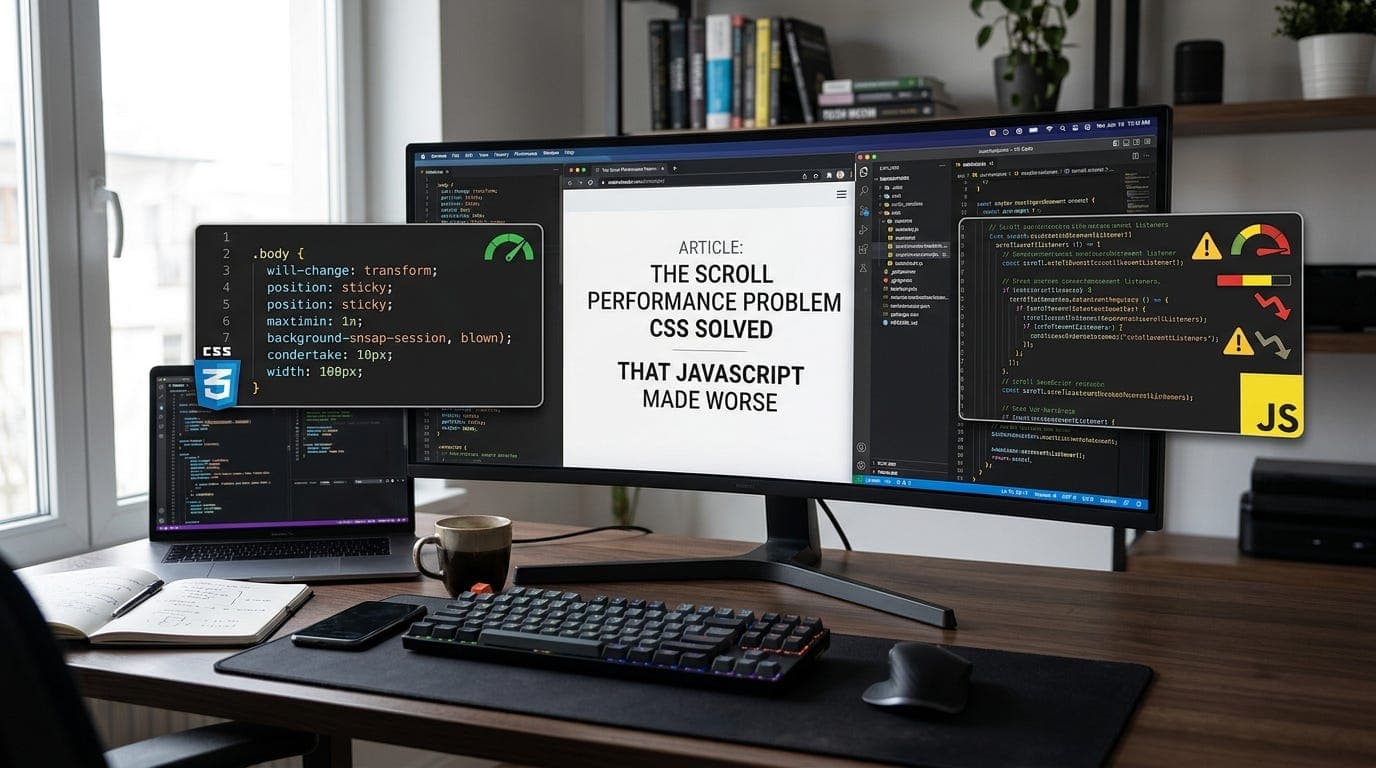
Scroll handlers are one of those things that seem completely reasonable until you understand what actually happens when you attach one.
Every time the user scrolls, the browser fires your handler. Not once per frame. Not throttled. Every. Single. Scroll. Event. On a trackpad that can mean hundreds of events per second, each one running your JavaScript synchronously on the main thread, each one potentially blocking the browser from doing the thing the user is literally waiting for: moving the page.
This is why scroll-linked animations and parallax effects have a reputation for being janky. It is not because the idea is bad. It is because JavaScript is the wrong tool for the job, and for a long time it was the only tool available.
What the browser wants to do
Modern browsers have a compositor thread. It is separate from the main JavaScript thread, and its entire job is to handle scrolling and layer compositing. When nothing is in its way, scrolling happens entirely on the compositor thread, at 60fps or higher, without touching JavaScript at all. This is why a plain webpage with no JavaScript scrolls perfectly smoothly even on low-end hardware.
The moment you add a scroll event listener, you introduce a problem. The browser does not know what your handler does. It does not know if you are going to call preventDefault() and cancel the scroll. So it has to wait for your JavaScript to finish running before it moves the page. Every scroll event becomes a synchronous checkpoint. The compositor thread, which could have been scrolling freely, now has to pause and wait for the main thread.
This is called a non-passive event listener, and it is the source of most scroll jank on the web.
The fix that already exists
Passive event listeners were introduced specifically to solve this. You tell the browser upfront that your handler will never call preventDefault(), so it does not need to wait for you before scrolling.
window.addEventListener('scroll', handler, { passive: true });
That third argument changes everything. The browser can now scroll on the compositor thread without waiting for your JavaScript. Your handler still runs, but it runs asynchronously, after the frame has already been painted. Scroll performance goes from potentially broken to essentially free.
Chrome made passive listeners the default for touch and wheel events on the document in 2017. But if you are adding scroll listeners to arbitrary elements, or if you are in a codebase that predates this, you are probably not getting passive behaviour automatically.
The CSS approach that makes JavaScript unnecessary
For a large category of scroll effects, the right answer is not a better scroll listener. It is no scroll listener at all.
scroll-behavior: smooth handles smooth scrolling to anchor links without a single line of JavaScript:
html {\n scroll-behavior: smooth;\n}
position: sticky handles elements that should stick at a certain scroll position, which used to require a scroll handler calculating offsets on every frame:
.header {\n position: sticky;\n top: 0;\n}
Both of these run on the compositor thread. No JavaScript. No main thread involvement. No jank.
For scroll-linked animations, the newer animation-timeline: scroll() API hands animation control directly to the scroll position, also off the main thread:
@keyframes fade-in {\n from { opacity: 0; }\n to { opacity: 1; }\n}\n\n.element {\n animation: fade-in linear;\n animation-timeline: scroll();\n animation-range: entry 0% entry 100%;\n}
That element will fade in as it scrolls into view. No IntersectionObserver. No scroll handler. No requestAnimationFrame loop. The browser handles it entirely in the compositor.
Where JavaScript made things worse
The pattern that caused the most damage was this: developers knew scroll handlers were expensive, so they tried to optimise them with throttling and debouncing.
window.addEventListener('scroll', throttle(handler, 16));
The intent was good. Run the handler at most once per frame. But throttling on the main thread does not fix the fundamental problem. The listener is still non-passive. The browser still waits. And now you have added a timer mechanism on top of the scroll event, which adds its own overhead and timing inconsistencies.
The correct fix was always { passive: true } plus moving as much logic as possible off the scroll event entirely. Throttling a non-passive listener is putting a speed limiter on a car with a broken engine.
What to actually use today
For scroll-triggered effects (things that change when an element enters the viewport), use IntersectionObserver. It was built for exactly this and does not involve scroll events at all:
const observer = new IntersectionObserver((entries) => {\n entries.forEach(entry => {\n if (entry.isIntersecting) {\n entry.target.classList.add('visible');\n }\n });\n});\n\nobserver.observe(document.querySelector('.element'));
For scroll-linked animations (things that animate in proportion to scroll position), use animation-timeline: scroll() where browser support allows, with a passive requestAnimationFrame loop as fallback.
For sticky positioning, use position: sticky and stop writing the JavaScript version.
For smooth scrolling, use scroll-behavior: smooth and remove whatever scroll animation library you installed three years ago.
The pattern behind the pattern
Scroll performance is a specific case of a broader problem in frontend development. The main thread is shared between JavaScript execution, style calculation, layout, and paint. Every time JavaScript runs during a scroll, it is competing with the browser for time on that thread.
The browsers spent years building APIs that move work off the main thread entirely. IntersectionObserver, ResizeObserver, passive listeners, CSS scroll timelines. Each one exists because the JavaScript version of the same thing had fundamental performance limitations.
The performance win is not in writing better JavaScript. It is in recognising when JavaScript should not be involved at all.
Thanks for reading Under The Hood! Subscribe for free to receive new posts and support my work.