Stop Installing Form Libraries. The Browser Can Do This.
JS Edition
March 11, 2026
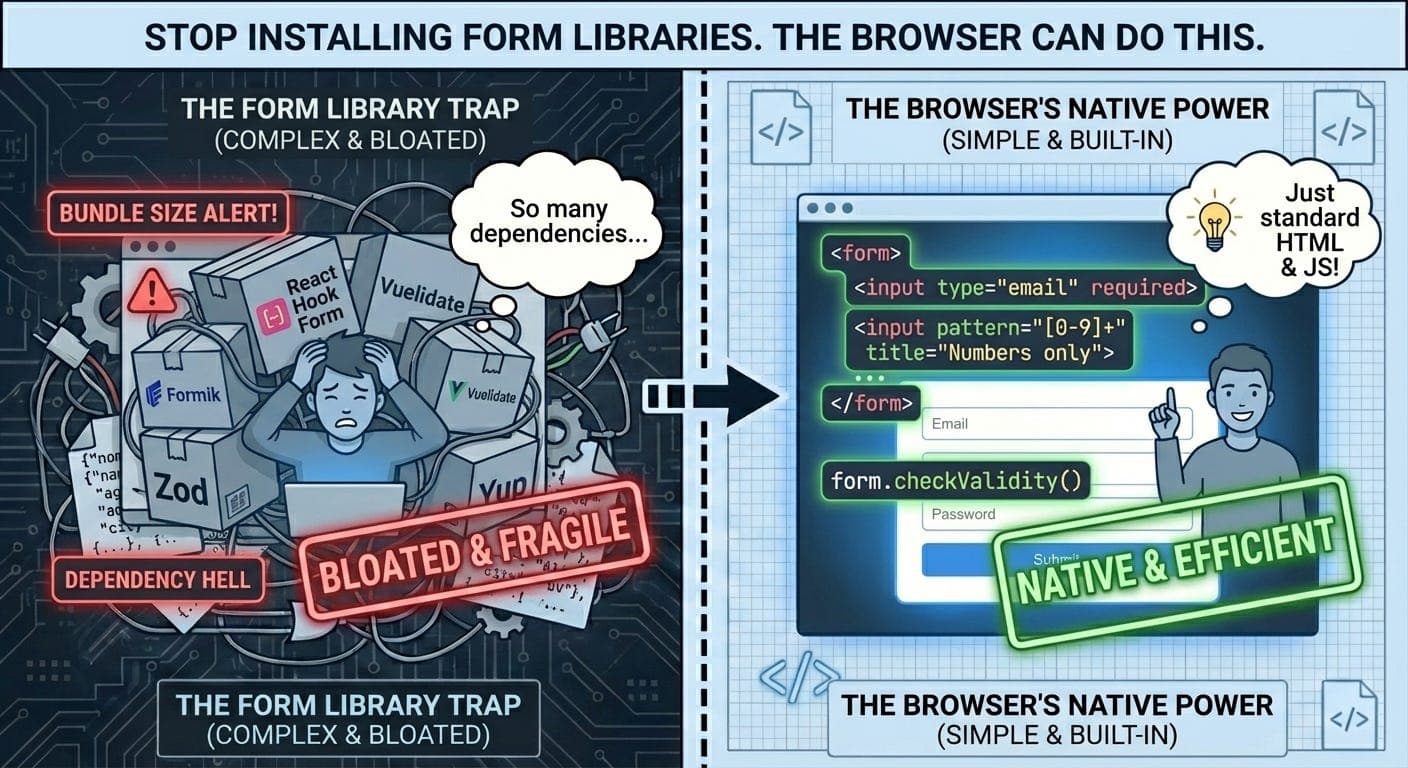
Every React form tutorial starts the same way:
npm install react-hook-form\n# or\nnpm install formik\n# or\nnpm install yup zod @hookform/resolvers\n
Then you write 50 lines of boilerplate to validate an email field.
Here’s the thing: browsers have had powerful form validation APIs since 2012. And most developers have no idea they exist.
The Constraint Validation API
It’s been in every browser you care about for over a decade. And it does everything Formik does, but natively.
<form>\n <input \n type="email" \n name="email" \n required \n minlength="5"\n >\n <button type="submit">Submit</button>\n</form>\n
This already works. Try to submit an empty field or invalid email. The browser handles it.
“But I need custom error messages!” Sure:
const email = document.querySelector('input[type="email"]');\n\nemail.addEventListener('invalid', (e) => {\n e.preventDefault(); // Stop default browser message\n \n if (email.validity.valueMissing) {\n email.setCustomValidity('Please enter your email');\n } else if (email.validity.typeMismatch) {\n email.setCustomValidity('Please enter a valid email address');\n }\n});\n\nemail.addEventListener('input', () => {\n email.setCustomValidity(''); // Clear error on input\n});\n
No library. No React context. No Yup schemas. Just the platform.
The ValidityState Object
Every form field has a .validity property with detailed validation state:
const input = document.querySelector('input');\n\ninput.validity.valid // true if all validations pass\ninput.validity.valueMissing // required field is empty\ninput.validity.typeMismatch // email/URL doesn't match format\ninput.validity.patternMismatch // doesn't match pattern attribute\ninput.validity.tooLong // exceeds maxlength\ninput.validity.tooShort // below minlength\ninput.validity.rangeOverflow // exceeds max\ninput.validity.rangeUnderflow // below min\ninput.validity.stepMismatch // doesn't fit step increments\ninput.validity.badInput // browser can't parse input\ninput.validity.customError // setCustomValidity was called\n
This is way more granular than most form libraries give you.
Real Example: Password Confirmation
Here’s something everyone implements manually:
<form id="signup">\n <input \n type="password" \n id="password" \n name="password" \n required \n minlength="8"\n placeholder="Password"\n >\n \n <input \n type="password" \n id="confirm" \n name="confirm" \n required \n placeholder="Confirm password"\n >\n \n <button type="submit">Sign Up</button>\n</form>\n\n<script>\nconst password = document.getElementById('password');\nconst confirm = document.getElementById('confirm');\n\nfunction validatePassword() {\n if (confirm.value === '') {\n confirm.setCustomValidity('');\n return;\n }\n \n if (confirm.value !== password.value) {\n confirm.setCustomValidity('Passwords must match');\n } else {\n confirm.setCustomValidity('');\n }\n}\n\npassword.addEventListener('input', validatePassword);\nconfirm.addEventListener('input', validatePassword);\n</script>\n
That’s it. No state management. No refs. Just native validation.
Custom Validators Without Libraries
Need a custom validator? Just check the condition and set the message:
const username = document.querySelector('#username');\n\nusername.addEventListener('input', async () => {\n // Clear previous custom error\n username.setCustomValidity('');\n \n // First check built-in validations\n if (!username.checkValidity()) {\n return; // Let browser handle required, pattern, etc.\n }\n \n // Then check custom validation\n const available = await checkUsernameAvailable(username.value);\n \n if (!available) {\n username.setCustomValidity('Username already taken');\n username.reportValidity(); // Show error immediately\n }\n});\n
Async validation. With debouncing if you want. Without bringing in a form library.
The Methods Nobody Uses
checkValidity() - Silent validation check:
const form = document.querySelector('form');\n\nif (form.checkValidity()) {\n // All fields valid, proceed\n submitToAPI(new FormData(form));\n} else {\n // Some fields invalid, but no error messages shown\n}\n
reportValidity() - Check and show errors:
form.addEventListener('submit', (e) => {\n e.preventDefault();\n \n if (form.reportValidity()) {\n // All valid, submit\n submitToAPI(new FormData(form));\n }\n // If invalid, browser shows error messages\n});\n
setCustomValidity() - Set custom error:
input.setCustomValidity('This specific thing is wrong');\ninput.reportValidity(); // Show the error\n
Critical: Always clear custom validity before re-checking:
input.addEventListener('input', () => {\n input.setCustomValidity(''); // Clear old error\n input.checkValidity(); // Re-validate\n});\n
If you don’t clear it, the field stays invalid forever.
Styling with CSS Pseudo-Classes
The browser gives you these for free:
/* Required fields */\ninput:required {\n border-left: 3px solid orange;\n}\n\n/* Optional fields */\ninput:optional {\n border-left: 3px solid #ccc;\n}\n\n/* Valid input */\ninput:valid {\n border-color: green;\n}\n\n/* Invalid input */\ninput:invalid {\n border-color: red;\n}\n\n/* Only show invalid after user touches field */\ninput:invalid:not(:focus):not(:placeholder-shown) {\n border-color: red;\n}\n\n/* Invalid and user has typed something */\ninput:user-invalid {\n border-color: red;\n background: #fee;\n}\n
No JavaScript needed for visual feedback. The browser tracks validation state automatically.
Real-World Pattern: File Size Validation
<input type="file" id="avatar" accept="image/*">\n\n<script>\nconst fileInput = document.getElementById('avatar');\n\nfileInput.addEventListener('change', () => {\n fileInput.setCustomValidity(''); // Clear previous error\n \n const file = fileInput.files[0];\n \n if (file && file.size > 2 * 1024 * 1024) { // 2MB\n fileInput.setCustomValidity('File must be smaller than 2MB');\n fileInput.reportValidity();\n }\n});\n</script>\n
Can’t do this with HTML attributes alone. But the Constraint Validation API handles it cleanly.
Building a Reusable Validator
Here’s a pattern I use everywhere:
class FormValidator {\n constructor(form) {\n this.form = form;\n this.validators = new Map();\n \n this.form.addEventListener('submit', this.handleSubmit.bind(this));\n }\n \n addValidator(fieldName, validator) {\n const field = this.form.elements[fieldName];\n \n field.addEventListener('input', async () => {\n field.setCustomValidity('');\n \n if (!field.checkValidity()) {\n return; // Let browser handle built-in validation\n }\n \n const error = await validator(field.value);\n if (error) {\n field.setCustomValidity(error);\n }\n });\n }\n \n async handleSubmit(e) {\n e.preventDefault();\n \n // Run all validations\n for (const [name, validator] of this.validators.entries()) {\n const field = this.form.elements[name];\n const error = await validator(field.value);\n \n if (error) {\n field.setCustomValidity(error);\n }\n }\n \n if (this.form.reportValidity()) {\n // All valid, submit\n const data = new FormData(this.form);\n await this.onSubmit(data);\n }\n }\n \n onSubmit(data) {\n // Override this\n }\n}\n\n// Usage\nconst validator = new FormValidator(document.querySelector('form'));\n\nvalidator.addValidator('username', async (value) => {\n const available = await checkUsername(value);\n return available ? null : 'Username taken';\n});\n\nvalidator.addValidator('email', async (value) => {\n const exists = await checkEmail(value);\n return exists ? 'Email already registered' : null;\n});\n\nvalidator.onSubmit = async (data) => {\n await fetch('/api/signup', {\n method: 'POST',\n body: data\n });\n};\n
70 lines. Handles async validation, custom errors, and form submission. No dependencies.
What React Hook Form Actually Does
Let’s be honest about what form libraries do:
-
Track field state - Which fields are dirty, touched, etc.
-
Run validations - Check values against rules
-
Display errors - Show validation messages
-
Handle submission - Prevent submit if invalid
The browser does #2, #3, and #4 natively. You only need state tracking for complex UX patterns.
For simple forms? You don’t need a library.
When Libraries Make Sense
Use React Hook Form / Formik when:
-
Complex multi-step forms with state that spans steps
-
Field values depend on other field values (dynamic forms)
-
You need granular control over when validation runs
-
You’re building form builders or dynamic schemas
-
Heavy validation logic that benefits from schema libraries (Zod/Yup)
Use native validation when:
-
Simple forms (login, signup, contact)
-
Standard field types (email, number, date)
-
You don’t need complex state management
-
Bundle size matters
-
You’re not using React
The Performance Difference
React Hook Form bundle: ~25kb (minified + gzipped)
Formik bundle: ~15kb
Constraint Validation API: 0kb (it’s built in)
Every form on every page loads this code. That adds up.
My Real-World Usage
I use Constraint Validation API for:
-
Authentication forms (login, signup, password reset)
-
Newsletter signups
-
Contact forms
-
Simple admin forms
-
Anywhere I don’t need React state management
I use React Hook Form for:
-
Multi-step wizards
-
Dynamic forms with conditional fields
-
Forms with complex interdependencies
-
When Zod schema validation is worth it
Most forms fall in the first category. But we reach for libraries by default.
The Missing Piece: Framework Integration
The one thing that’s actually hard - integrating with React’s render cycle:
function LoginForm() {\n const formRef = useRef();\n \n const handleSubmit = (e) => {\n e.preventDefault();\n \n if (formRef.current.reportValidity()) {\n const data = new FormData(formRef.current);\n // Submit\n }\n };\n \n return (\n <form ref={formRef} onSubmit={handleSubmit}>\n <input \n type="email" \n name="email" \n required \n onInvalid={(e) => {\n e.preventDefault();\n if (e.target.validity.valueMissing) {\n e.target.setCustomValidity('Email required');\n } else if (e.target.validity.typeMismatch) {\n e.target.setCustomValidity('Invalid email');\n }\n }}\n onInput={(e) => e.target.setCustomValidity('')}\n />\n \n <button type="submit">Log In</button>\n </form>\n );\n}\n
It works. It’s just more verbose than useForm() from React Hook Form.
But for simple forms? This is fine. And it’s 25kb lighter.
Browser Support
The Constraint Validation API has been supported since:
-
Chrome 10 (2011)
-
Firefox 4 (2011)
-
Safari 5 (2010)
-
Edge (all versions)
This is not cutting-edge. This is ancient, stable tech that just works.
My Take
Form libraries exist because developers don’t know the browser can do this.
I spent years installing Formik for forms that the Constraint Validation API could handle in 20 lines. Not because Formik was better, but because I didn’t know there was an alternative.
The API isn’t perfect. Custom error styling is CSS-only. TypeScript integration is manual. Framework integration is verbose.
But for most forms? You don’t need a library.
Start with HTML validation attributes and the Constraint Validation API. Reach for React Hook Form when you actually need state management and complex validation logic.
Not every form needs to be a React component with controlled inputs and custom hooks.
Sometimes the browser is enough.
Try it yourself:
<!DOCTYPE html>\n<form>\n <input \n type="email" \n required \n pattern="[a-z0-9._%+-]+@[a-z0-9.-]+\\.[a-z]{2,}$"\n >\n <button>Submit</button>\n</form>\n\n<script>\nconst input = document.querySelector('input');\n\ninput.addEventListener('invalid', (e) => {\n e.preventDefault();\n \n if (input.validity.valueMissing) {\n alert('Please enter your email');\n } else if (input.validity.patternMismatch) {\n alert('Please enter a valid email');\n }\n});\n</script>\n
Save as HTML. Open in browser. See validation work. No npm install needed.
Thanks for reading Under The Hood! Subscribe for free to receive new posts and support my work.