It's Just Buttons and CSS, Right?
Why frontend development is way more than what it looks like from the outside
January 12, 2026
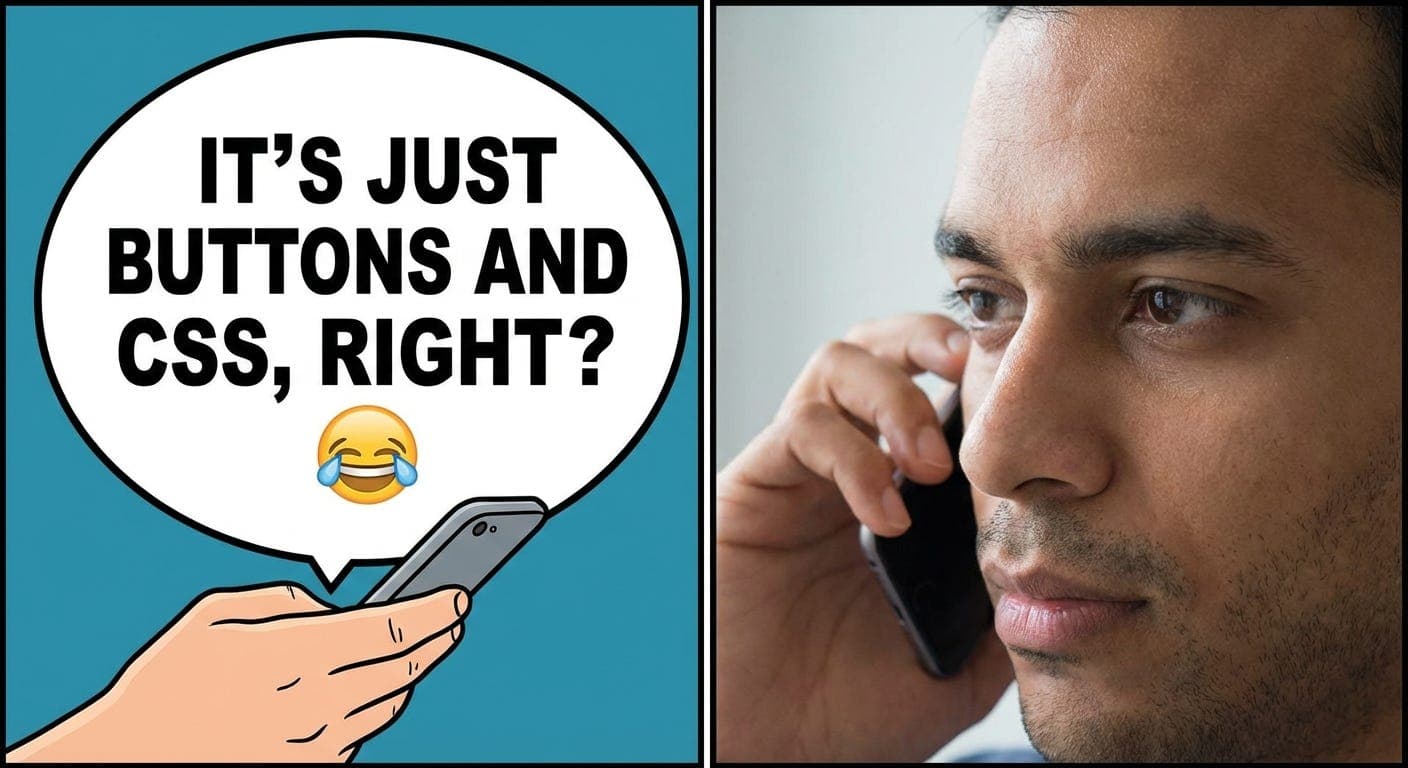
One of my very good friends asked what I do at a recent gathering. “Frontend developer,” I said. He nodded like he got it. “Oh, so you make websites look pretty?”
I just said yes and went for more food. Wasn’t about to spend the rest of dinner explaining why that question bothers me.
Look, from where he’s sitting, it probably does look like I just push pixels around all day. Sometimes that’s true. I’ve legitimately spent an hour debating whether something needs 16 or 20 pixels of spacing. I’ve told designers things aren’t centered when they absolutely were. I’ve had MS Teams arguments about button corner roundness that got weirdly heated.
But there’s all this other stuff happening that nobody sees. The button you click? That’s just the surface.
The Parts Nobody Mentions
Chrome’s code is full of single letters and I finally know why
When I first looked at Chrome’s source code, everything was named a, b, k. Just random letters everywhere. I thought maybe Google’s developers were having a bad day.
Nope. That’s minification. Your JavaScript gets compressed down as small as possible because size matters when millions of browsers are downloading your code. There’s whole build processes dedicated to this - tree-shaking unused code, running compression, optimizing etc., etc.,.
Pretty clever once you realize it’s intentional.
Changing CSS kicks off a whole decision tree
You update a color. Seems simple enough. But now Chrome has to figure out what to do. Can it just repaint that one thing? Does the whole layout need recalculating? Should the GPU handle it?
There’s this entire rendering pipeline making these choices. Some CSS changes are cheap - Chrome can handle them fast. Others are expensive and slow everything down. Learning which is which is how you make sites that don’t feel sluggish.
Took me way too long to figure this out.
Accessibility is its own universe
Used to think accessibility was just alt text on images. Then someone showed me the accessibility tree and my brain melted a little.
Screen readers build this completely separate version of your page (an alternate DOM altogether, if you can believe it). They need to understand what everything is, not just what it looks like. That’s why people freak out when you make a div act like a button - screen readers see a generic container, not something clickable.
Then there’s focus trapping, keyboard navigation, ARIA attributes, live announcements... keeps going deeper. Worth learning though.
TypeScript doesn’t magically work in browsers
I write TypeScript every day. Browsers have no idea what TypeScript is. Something’s gotta translate it.
That something is doing a lot. Parsing code into trees, removing dead code, running optimizations, transforming syntax. Angular’s compiler does ahead-of-time compilation to make apps faster. It’s actual compiler stuff - the same theory that makes programming languages work at all.
React does it differently. Vue does it differently. Svelte basically compiles everything away entirely. It’s wild how many approaches there are.
Component libraries get complicated fast
At work I build components - buttons, drop-downs, date pickers, all that. Sounds straightforward until you realize each one needs to work everywhere. Angular apps, React apps, VueJS, plain JavaScript, web components.
Props need to work across frameworks. Styles can’t leak. Shadow DOM makes things tricky. Design tokens need integrating. Everything needs keyboard support and screen reader compatibility.
Then come the edge cases. Disabled states. Loading states. Error states. The states you didn’t think of until someone files a bug.
“Just make it work” hides a lot of complexity.
One thread for everything
JavaScript runs on a single thread. Everything waits its turn. Start doing heavy calculations during a scroll? Everything freezes up until you’re done. That’s why some sites feel smooth and others - not so smooth.
Event loops, debouncing, requestAnimationFrame - this is the stuff that makes the difference between “works” and “feels good.” Nobody cares that your feature works if it makes their browser “hang” every now and then.
Why I’m Here
Most articles teach the basics: how to use flex-box, state management patterns. component best practices. All good stuff.
But there’s this layer underneath that doesn’t get covered much. Browser internals. Build processes. Accessibility mechanics. Performance details. The architectural stuff that happens before you write any code.
That’s what I want to dig into. Not to make frontend seem harder than it is, but because this stuff is genuinely interesting. And knowing it makes everything else easier.
Coming Up
Planning to write about:
-
Chrome’s rendering decisions and why they matter
-
Minification and why bundle size isn’t just a number
-
What compilers do to your code before it runs
-
How the accessibility tree actually gets built
-
Shadow DOM - when it helps and when it’s annoying
-
Performance tricks that actually move the needle
Just exploring questions I had to figure out the hard way. Maybe it’ll help someone else skip the confusion.
That’s It
Next time someone says you “just make buttons,” smile and agree. The real explanation takes too long anyway, and they probably don’t want to hear about layout algorithms.
But if you do want to hear about that stuff, please do stick around. If this sounds interesting, subscribe and I'll send you these deep dives as I write them. No spam, just the weird technical stuff that makes frontend actually fun.