How the Browser Decides Your Font Is \"Loaded\"
JS Edition
July 1, 2026
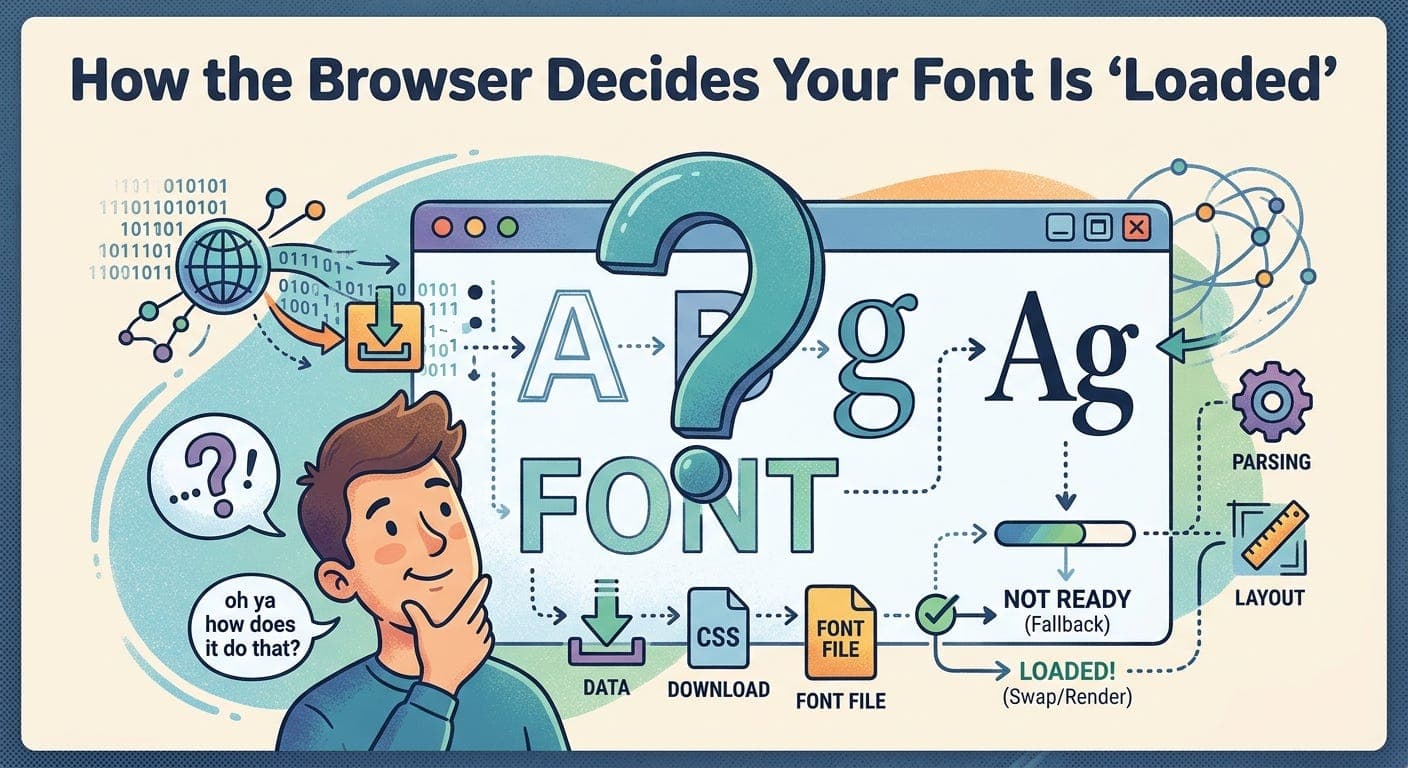
You’ve seen it happen. The page loads, text appears in a fallback font, and then a fraction of a second later everything shifts as the real font kicks in. Or worse — the text is invisible for a moment, then pops in. You didn’t write any code to cause that. The browser just decided to do it.
Understanding why means understanding that “font loaded” isn’t a single moment. It’s a negotiation between the browser, the network, and a few CSS properties most developers have never touched.
The browser doesn’t wait for fonts by default
When the browser parses your CSS and finds a @font-face rule, it doesn’t immediately download the font. It waits until it finds an element on the page that actually needs that font. This is called the critical font request — the moment the browser decides a font is necessary to render something visible.
Once it triggers the download, the browser has to make a decision: what do I show while the font is loading?
That decision is controlled by the font-display descriptor, and if you haven’t set it, you’re getting the browser’s default — which differs between Chrome, Firefox, and Safari.
The three things that can happen
When a font is loading, the browser can do one of three things: show nothing (block), show a fallback (swap), or just use the fallback permanently if the font takes too long (fallback and optional). These map directly to the font-display values.
@font-face {\n font-family: 'MyFont';\n src: url('/fonts/myfont.woff2') format('woff2');\n font-display: swap;\n}
-
font-display: blockgives the font a short block period — typically three seconds — where text is invisible. If the font loads in time, it renders. If not, a fallback shows and the font swaps in when it finally arrives. This is what most browsers default to when you don’t specify anything. -
font-display: swapskips the invisible period entirely. The fallback renders immediately, and the real font swaps in whenever it loads. This is what you want for body text — users can read immediately, and the layout shift is usually acceptable. -
font-display: fallbackis a middle ground. There’s a very short block period (around 100ms), then the fallback shows. But if the font hasn’t loaded within three seconds, the browser gives up and sticks with the fallback for the rest of the page visit. The font still gets cached, so the next visit will have it. -
font-display: optionalis the strictest. The browser gets a tiny window to use the font. If it’s not available almost instantly — from cache — the fallback is used permanently for that page load. No swap, no layout shift. Google recommends this for non-critical decorative fonts.
What “loaded” actually means to the browser
Here’s where it gets interesting. The browser tracks font loading state through three stages that most developers never think about: loading, loaded, and failed. The Font Loading API exposes this directly:
document.fonts.ready.then(() => {\n console.log('All fonts in the document are ready');\n});
document.fonts.ready resolves when every font that’s been used by the current document has either loaded or failed. Not when every font in your CSS has loaded — only the ones actually in use. If you have ten fonts in your stylesheet but only two are applied to elements on the current page, only those two block the ready promise.
You can also check individual fonts:
document.fonts.load('16px MyFont').then(() => {\n // MyFont at 16px is ready\n});
Or check synchronously:
document.fonts.check('16px MyFont'); // true or false
This API is underused. If you’re doing anything with Canvas — rendering text to a canvas element — you almost certainly need document.fonts.ready or document.fonts.load() before you draw. Canvas doesn’t wait for fonts. If the font isn’t loaded when you call fillText, it silently falls back to the default browser font and draws with that instead. No error. Just wrong output.
The FOUT, FOIT, and FOFT problem
These acronyms come up in any deep discussion of font loading and they’re worth knowing:
-
FOUT — Flash of Unstyled Text. The fallback font shows first, then swaps to the real font. This is what
font-display: swapgives you. -
FOIT — Flash of Invisible Text. The text is hidden during font load. This is what
font-display: blockgives you. -
FOFT — Flash of Faux Text. A technique where you load a subset of the font first — just the characters needed for the initial render — then load the full font. The browser synthesises bold and italic in the interim using CSS transforms on the subset. It looks slightly off but it’s better than invisible text.
Most teams pick swap and move on. That’s reasonable. But if your font causes significant layout shift because the fallback metrics are very different from the real font, you have two better options.
Matching fallback metrics
CSS now has size-adjust, ascent-override, descent-override, and line-gap-override on @font-face. These let you adjust a fallback font’s metrics to match your real font as closely as possible, so when the real font loads and swaps in, the layout barely moves.
@font-face {\n font-family: 'MyFontFallback';\n src: local('Arial');\n ascent-override: 90%;\n descent-override: 22%;\n size-adjust: 107%;\n}
Tools like the Fallback Font Generator and Font Style Matcher can calculate these values for you. The result is a fallback that’s close enough to your real font that the swap is nearly invisible. This is the right answer for fonts that significantly affect layout.
Preloading
If you know a font is critical — it’s used above the fold, it’s your primary body font — you should preload it:
<link rel="preload" href="/fonts/myfont.woff2" as="font" type="font/woff2" crossorigin>
The crossorigin attribute is required even for same-origin fonts. Without it the font gets fetched twice. This is a known gotcha that catches a lot of developers.
Preloading moves the font request earlier in the page load so it’s more likely to be available before the browser needs to render text. Combined with font-display: optional, preloading can get you zero layout shift on repeat visits — the font loads from cache almost instantly, and on first visit, the fallback holds.
The short version
The browser decides a font is loaded when it’s downloaded, parsed, and ready to use — but that moment depends entirely on when the font was requested, what font-display says to do while waiting, and whether you’ve given the browser any hints via preload. Left to its own defaults, the browser will make choices that prioritise avoiding invisible text, which is usually right but not always what you want.
Set font-display explicitly. Preload your critical fonts. If layout shift matters, adjust your fallback metrics. And if you’re rendering to Canvas, always wait for document.fonts.ready before you draw.
Thanks for reading Under The Hood! Subscribe for free to receive new posts and support my work.